
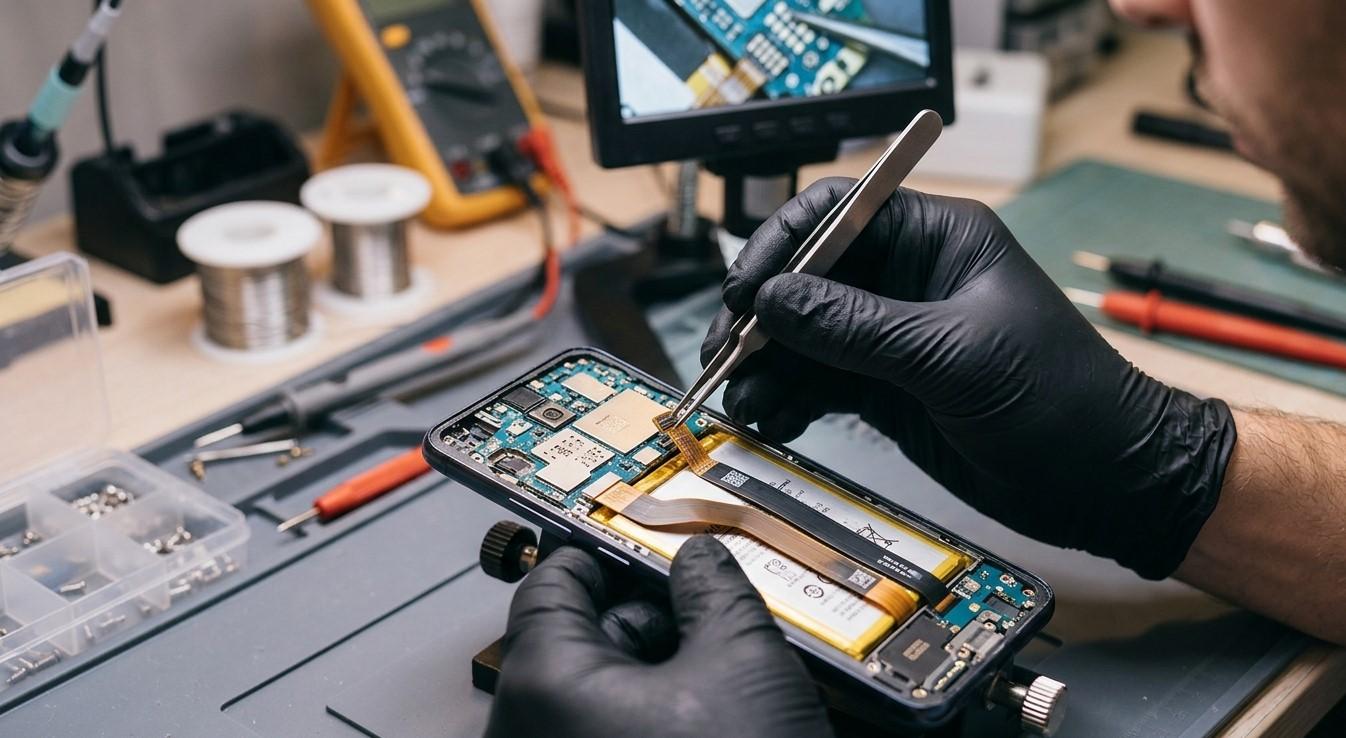

A smartphone power button may be small, but it plays an important role in controlling your device. It allows you to lock the screen, restart your phone, and turn it on or off. When it becomes stuck, loose, or completely unresponsive, everyday phone use can become difficult. iPC Repair Houston helps smartphone users understand common device problems and explore professional repair solutions. If you are searching for the best iPhone repair in Houston or reliable iPhone repair Houston services, understanding why power buttons fail can help you decide when your device needs professional attention.
Table of Contents
-
Why Does a Phone's Power Button Stop Responding?
-
Common Signs of Power Button Damage
-
What to Do When Your Power Button Stops Working
-
Can a Phone's Power Button Be Repaired?
-
Tips to Prevent Power Button Damage
-
Frequently Asked Questions
1. Why Does a Phone's Power Button Stop Responding?
Several factors can affect the performance of a smartphone power button. Identifying the cause is important before choosing a repair solution.
Physical Impact or Accidental Drops
Dropping your phone can damage the external button or internal components connected to it. Even when the screen remains intact, an impact may cause the power button to become loose or stop responding.
Dust and Debris
Dust, lint, and small particles can accumulate around the button. This buildup may restrict movement and prevent the button from making proper contact when pressed.
Moisture and Liquid Exposure
Water or other liquids can enter the phone and affect the internal button mechanism. Moisture may also cause corrosion around electrical connections, resulting in inconsistent operation.
Worn-Out Internal Components
Frequent use over time can wear down the small mechanical components responsible for registering button presses. You may notice that the button requires extra pressure or multiple attempts to work.
Software-Related Problems
Sometimes, a phone may appear unresponsive because of a temporary operating system glitch. However, if the physical button feels stuck or fails consistently, a hardware problem may be more likely.
2. Common Signs of Power Button Damage
Recognizing early symptoms can help you address the issue before it becomes more inconvenient.
Watch for these warning signs:
-
The power button feels loose or unusually stiff.
-
You need to press it several times to lock the screen.
-
The button gets stuck or does not click normally.
-
Your phone does not respond when the button is pressed.
-
The device restarts or behaves unexpectedly.
-
The button works intermittently.
If these symptoms continue, a professional inspection can help identify whether the problem involves the button itself or an internal connection.
3. What to Do When Your Power Button Stops Working
Before arranging a repair, try a few safe troubleshooting steps:
-
Remove the phone case: A tight or damaged case may interfere with button movement.
-
Check for visible debris: Look around the button for dirt or lint.
-
Use accessibility features: If your touchscreen works, use available on-screen controls to lock or operate your phone.
-
Check software updates: Install available updates if your device is otherwise functioning normally.
-
Avoid excessive pressure: Forcing a stuck button may cause additional damage.
Do not insert sharp objects into the button area or attempt to open the phone without appropriate tools and experience.
4. Can a Phone's Power Button Be Repaired?
Yes, many smartphone power button problems can be repaired. The correct solution depends on the device model and the extent of the damage.
A technician may clean the affected area, repair a damaged internal connection, or replace the faulty button or related component. If liquid exposure is involved, additional inspection may be needed to check for corrosion.
Professional diagnosis is especially important when the button has stopped responding completely. If you need iPhone repair Houston services, choose a repair provider that explains the issue and discusses suitable options before beginning the work.
iPC Repair Houston can be a starting point for exploring professional smartphone repair assistance.
5. Tips to Prevent Power Button Damage
Simple maintenance habits can help reduce unnecessary wear and protect your device.
-
Use a protective case that fits properly.
-
Avoid dropping your phone or applying excessive pressure.
-
Keep the button area clean.
-
Protect your device from water and moisture.
-
Press the button gently instead of forcing it.
-
Address unusual button behavior early.
These precautions can help maintain your phone's physical controls and overall functionality.
6. Frequently Asked Questions
Q1. Can a completely broken phone power button be repaired?
Yes. Depending on the phone model and damage, a technician may repair the connection or replace the damaged button components.
Q2. Why does my power button work only sometimes?
Intermittent operation may be caused by dust, worn-out components, loose connections, or physical damage.
Q3. Can I use my phone without a working power button?
Many smartphones offer accessibility features or on-screen controls that can perform certain functions without the physical button.
Q4. Is a stuck power button dangerous?
A stuck button can interfere with normal phone operation and may cause unexpected behavior. It should be inspected if the problem continues.
Q5. Should I replace my phone if its power button stops working?
Not necessarily. Many power button problems are repairable. A professional diagnosis can help determine whether repairing the device is practical.
Get Professional Phone Repair Assistance in Houston
A faulty power button can make your smartphone difficult to operate and may eventually prevent you from turning it on or restarting it. While basic troubleshooting can help with minor issues, persistent problems deserve professional attention.
If you are looking for the best iPhone repair in Houston, visit iPC Repair Houston to explore available repair services and get help with your device.


