
What Causes Smartphone Buttons to Stop Working Properly
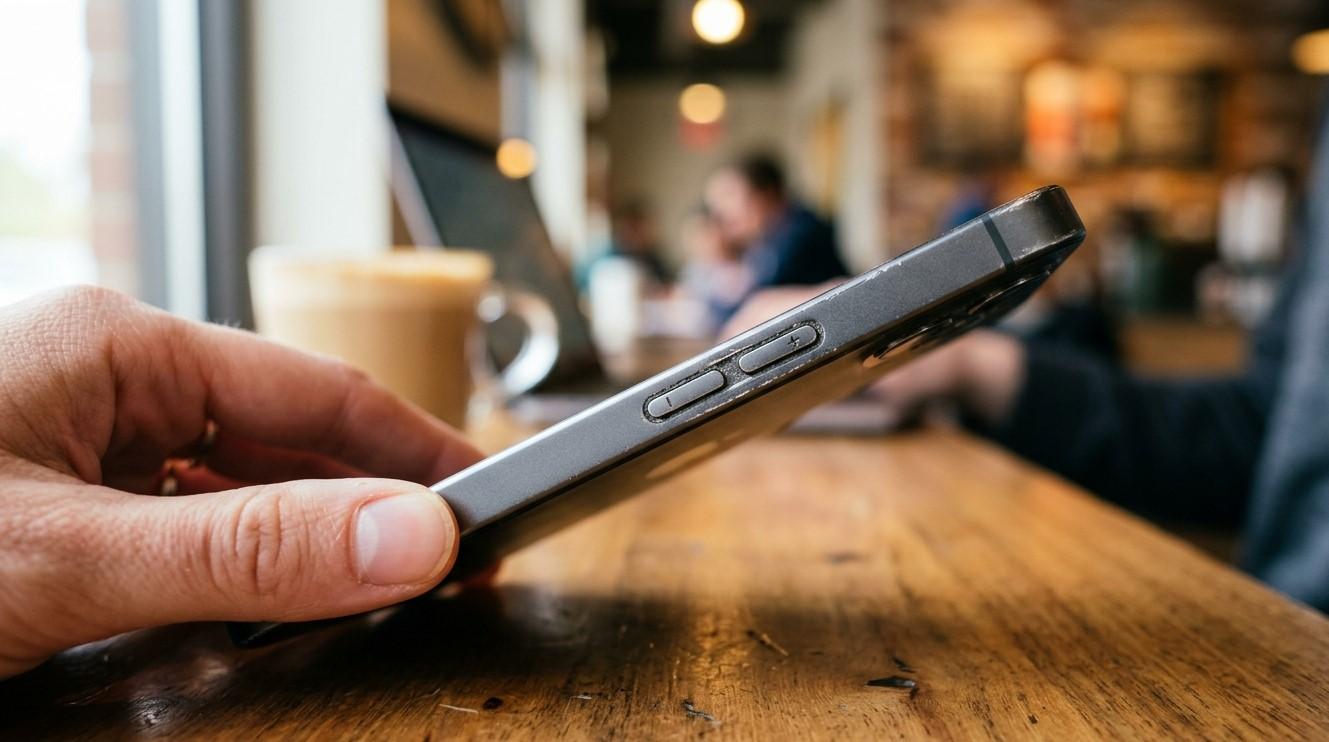
Smartphone buttons may seem like small components, but they perform essential functions every day. Power buttons, volume controls, mute switches, and other physical controls allow users to operate their devices quickly and conveniently. When a button becomes difficult to press, stops responding, works intermittently, or activates without being touched, it can make normal smartphone use frustrating. These problems can result from dirt buildup, physical damage, moisture, internal wear, or software-related issues. Understanding the causes can help users determine when simple cleaning or troubleshooting may work and when professional repair is necessary. At NanoTech Mobile, experienced technicians can diagnose button-related problems and identify the appropriate repair solution. Whether you need reliable iphone repair in regina or professional samsung phone repair in regina, addressing faulty buttons early can help prevent additional device problems.
Why Smartphone Buttons Stop Working
Physical buttons are exposed to repeated use and environmental conditions. Every press creates mechanical movement, and over thousands of uses, components can eventually wear down.
Common causes include:
- Dust and debris.
- Normal wear and tear.
- Accidental drops.
- Liquid exposure.
- Damaged internal components.
- Misaligned buttons.
- Faulty connections.
- Software problems.
- Pressure from protective cases.
Determining the specific cause is important because the solution may range from simple cleaning to component replacement.
1. Dust and Debris Buildup
Dust, lint, and dirt can accumulate around physical buttons.
Over time, debris may prevent the button from moving correctly or reaching the internal switch beneath it.
You may notice that the button:
- Feels stiff.
- Requires extra pressure.
- Does not click normally.
- Responds only occasionally.
Avoid using sharp objects to clean around buttons because they can damage the housing or internal components.
If buildup is difficult to remove safely, professional cleaning may be appropriate.
2. Normal Wear and Tear
Smartphone buttons are designed to withstand frequent use, but mechanical components can eventually wear down.
A heavily used phone may develop buttons that feel softer, less responsive, or inconsistent.
Wear can affect:
- Power buttons.
- Volume buttons.
- Mute switches.
- Other physical controls.
If the button has gradually become less responsive over a long period, normal component wear may be the most likely explanation.
3. Accidental Drops
A drop can damage a smartphone even when there are no obvious cracks.
Impact may affect the button itself, its surrounding frame, or the internal mechanism connected to it.
After a fall, users may notice:
- A button becoming stuck.
- Reduced clicking feedback.
- Intermittent response.
- A button that sits unevenly.
- Multiple buttons failing at once.
If button problems started immediately after an impact, professional inspection can help identify hidden internal damage.
4. Liquid Exposure
Water and other liquids can interfere with physical controls and the components beneath them.
Moisture can cause corrosion that gradually affects internal connections.
Liquid-related button problems may appear alongside:
- Charging issues.
- Speaker problems.
- Random restarts.
- Display problems.
- Battery drain.
If your phone has been exposed to liquid, avoid repeatedly testing or charging it and consider professional assessment.
5. A Protective Case May Be Pressing the Buttons
Not every button problem originates inside the smartphone.
A poorly fitting or damaged case may continuously press against a button or prevent it from moving normally.
Remove the case temporarily and test the controls.
If the buttons work normally without the case, replacing the case may solve the problem.
A properly designed case should provide protection without interfering with the phone's physical controls.
6. Internal Button Components Can Fail
Inside a smartphone, physical buttons typically interact with small switches or internal mechanisms.
These components can become damaged or worn over time.
When an internal switch fails, the external button may still look normal but fail to activate the expected function.
In this situation, external cleaning or software changes are unlikely to solve the problem.
Professional repair may involve repairing or replacing the affected component.
7. Software Problems Can Mimic Hardware Failure
Sometimes a button is physically functional, but the phone does not respond correctly because of a software issue.
For example, an operating system error may temporarily prevent certain controls from behaving normally.
Try restarting the smartphone and installing available software updates.
If the button works inconsistently across different situations, monitor whether the issue is related to a specific application or system function.
If physical response is missing entirely, however, hardware damage becomes more likely.
8. Buttons May Become Misaligned
A strong impact can shift the position of a button inside its housing.
The button may still move, but it might not properly contact the internal switch.
Signs of misalignment include:
- Uneven button movement.
- Reduced click sensation.
- A button sitting deeper than normal.
- The button becoming stuck.
This type of issue generally requires professional inspection.
9. Excessive Pressure Can Cause Damage
Keeping a smartphone tightly compressed in a crowded pocket or bag can place unnecessary pressure on its buttons.
Similarly, placing heavy objects on the device can affect its external controls.
Store the phone where it has sufficient space and avoid placing heavy items directly on it.
How to Troubleshoot a Faulty Button
Before seeking professional repair, try a few basic steps:
- Remove the protective case.
- Inspect the button for visible debris.
- Restart the smartphone.
- Install available software updates.
- Test the button in different applications.
- Check whether the issue began after an impact or liquid exposure.
If the button remains unreliable, avoid forcing it repeatedly.
When Professional Repair Is Necessary
Professional service is recommended when:
- A button is completely unresponsive.
- It feels physically damaged.
- The button is stuck.
- Several buttons stopped working after a drop.
- Problems began following liquid exposure.
- The phone requires excessive pressure to respond.
- The button works intermittently despite troubleshooting.
At NanoTech Mobile, technicians can inspect the external controls and internal components to determine whether cleaning, adjustment, or component repair is required.
Preventing Future Button Problems
Good smartphone care can reduce unnecessary button wear.
Helpful habits include:
- Keep the device away from moisture.
- Avoid dusty environments.
- Use a properly fitted case.
- Do not press buttons excessively.
- Avoid dropping the phone.
- Keep the device clean.
- Address stiff or unusual buttons early.
Small problems are often easier to address before they become complete failures.
Why Timely Repair Matters
A faulty power button can become particularly inconvenient because it may make restarting or turning the device on and off difficult. Volume-control problems can also affect calls, media, and accessibility features.
Addressing a malfunctioning button early can restore convenience and potentially prevent additional damage caused by repeatedly forcing the control.
Conclusion
Smartphone buttons can stop working properly because of dust buildup, normal wear, accidental drops, liquid exposure, poorly fitting cases, internal component failure, misalignment, excessive pressure, or software problems. Start with simple troubleshooting by removing the case, checking for visible debris, restarting the phone, and updating its software. If a button remains stiff, stuck, intermittent, or completely unresponsive, professional inspection is the safest option. At NanoTech Mobile, experienced technicians can diagnose physical and internal button problems and recommend the appropriate repair. Whether you need dependable iphone repair in regina or professional samsung phone repair in regina, timely service can restore essential controls and help keep your smartphone reliable for everyday use.

 English
 French
 Spanish
 Portuguese
 Deutsch
 Turkish
 Dutch
Dutch
 Italiano
 Russian
 Romaian
 Portuguese (Brazil)
 Greek
Greek