
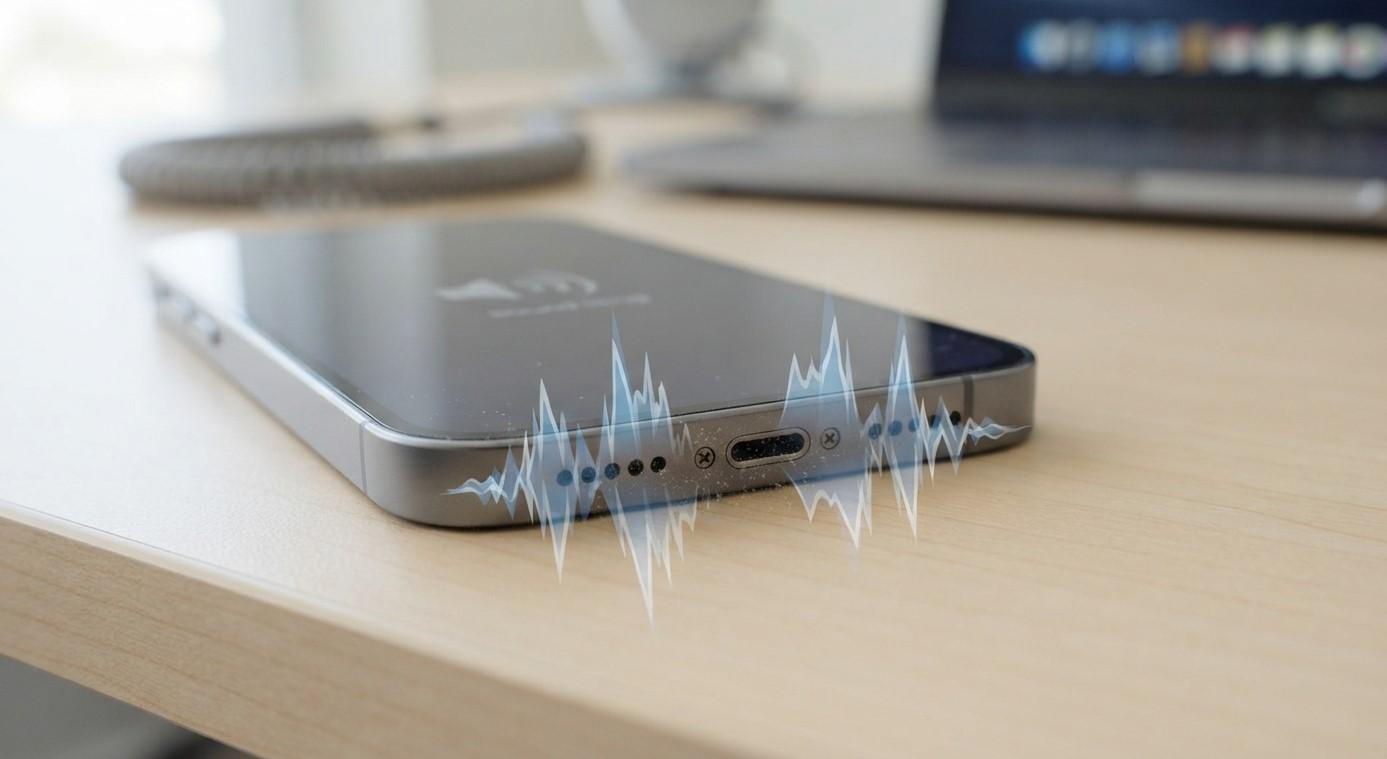
Why Is My iPhone Speaker Making Crackling or Distorted Sounds? Common Causes and Fixes

Is your iPhone speaker producing crackling, buzzing, or distorted sounds when playing music, watching videos, or making calls? Poor audio quality can make everyday phone use frustrating and may indicate a minor obstruction or an internal hardware problem. Whether you need simple troubleshooting or professional assistance, Nanotech Mobile can help you explore repair options. If you are searching for the best iPhone repair in Regina, understanding the possible causes can help you make informed decisions about iPhone repair Regina services.
Table of Contents
-
Common Causes of iPhone Speaker Crackling
-
How to Fix Distorted iPhone Speaker Sound
-
When Should You Consider Professional Repair?
-
Frequently Asked Questions
-
Conclusion and Call to Action
1. Common Causes of iPhone Speaker Crackling
Several factors can affect your iPhone's speaker performance. Here are some common reasons.
Dust and Dirt Buildup
Dust, lint, and small particles can accumulate in the speaker grille over time. This buildup may block sound output, causing audio to sound muffled, crackling, or unclear.
Water or Moisture Exposure
Accidental spills, rain, or humidity can affect speaker performance. Moisture trapped around the speaker may temporarily distort sound. If the problem continues after exposure, internal damage may be possible.
High Volume Levels
Playing music or videos at maximum volume for extended periods can sometimes make existing speaker problems more noticeable. Distortion may also occur when audio is poorly recorded or the source itself is damaged.
Software Glitches
Temporary iOS issues, outdated software, or app-related problems can interfere with audio playback. If crackling happens only in one application, the app may be responsible.
Physical Speaker Damage
Dropping your iPhone or exposing it to physical pressure can damage speaker components or internal connections. Hardware damage may cause persistent buzzing, rattling, or distorted audio.
2. How to Fix Distorted iPhone Speaker Sound
Before arranging professional assistance, try these troubleshooting steps:
-
Lower the volume: Reduce the volume and check whether the distortion disappears.
-
Restart your iPhone: Restarting may resolve temporary software glitches.
-
Check different apps: Play audio from another application to determine whether the problem is app-specific.
-
Inspect the speaker grille: Look for visible dust or debris. Use a clean, soft, dry brush gently on the exterior.
-
Disconnect Bluetooth devices: Make sure audio is coming from your iPhone speaker rather than an external device.
-
Update iOS: Install available software updates to address potential system issues.
Avoid inserting sharp objects into speaker openings or using liquids and compressed air to clean them.
3. When Should You Consider Professional Repair?
If your iPhone continues producing crackling or distorted sounds after basic troubleshooting, the speaker may have an internal problem.
Professional inspection is recommended when:
-
The speaker produces buzzing even at low volume.
-
Audio remains distorted across multiple applications.
-
Sound disappears intermittently.
-
The issue begins after a drop or water exposure.
-
One speaker consistently sounds weaker than expected.
A technician can inspect the speaker grille, evaluate internal components, and determine whether cleaning, repair, or replacement is appropriate.
For customers exploring iPhone repair Regina services, Nanotech Mobile can help identify suitable repair options and provide guidance based on the device's condition.
4. Frequently Asked Questions
Why does my iPhone speaker crackle during music playback?
Possible causes include dust buildup, software glitches, damaged speaker components, or distortion in the original audio.
Can water cause iPhone speaker distortion?
Yes. Moisture can temporarily affect sound output and may cause lasting damage if internal components are affected.
Is it safe to clean my iPhone speaker myself?
You can gently clean the exterior using a soft, dry brush. Avoid sharp tools, liquids, and inserting anything into the speaker grille.
Why does my iPhone speaker sound distorted at high volume?
High volume can make audio distortion more noticeable, particularly if the speaker is damaged or the original recording has poor sound quality.
When should I replace my iPhone speaker?
Replacement may be necessary when professional testing confirms that the speaker hardware is damaged and cannot be restored.
5. Conclusion
Crackling or distorted iPhone speaker sounds can result from dust, moisture exposure, software problems, excessive volume, or damaged hardware. Simple troubleshooting may resolve minor issues, but persistent distortion should not be ignored. Nanotech Mobile can help you explore suitable solutions when searching for the best iPhone repair in Regina. If you need dependable iPhone repair Regina assistance, consider having your device professionally inspected to identify the cause and determine the appropriate repair.
Call to Action
Is your iPhone speaker buzzing, crackling, or producing unclear audio? Don't let poor sound quality affect your daily experience. Contact Nanotech Mobile to discuss your device's problem and explore professional iPhone repair options in Regina.


