
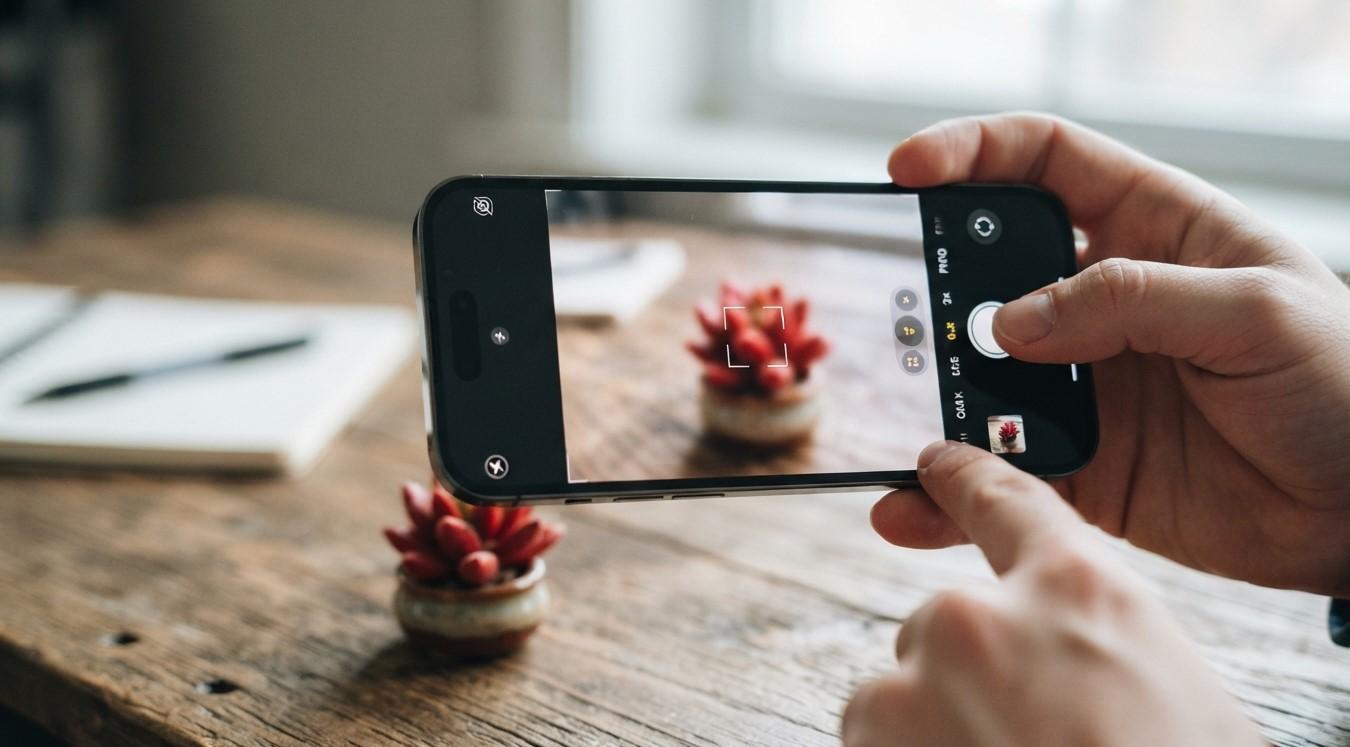
Why Is My Phone Camera Not Focusing? Common Causes and Repair Solutions

Is your smartphone camera struggling to focus on objects, leaving your pictures blurry or unclear? Camera focusing problems can make it difficult to capture important moments, scan documents, or record videos. The issue may be caused by a dirty camera lens, incorrect settings, software glitches, or damaged camera components. If troubleshooting does not solve the problem, Mobile Phone Repair Albany can help you explore suitable repair options. Whether you are searching for the best cell phone repair in Albany or reliable cell phone repair Albany, understanding the causes can help you choose the right solution.
Table of Contents
-
Common Reasons Your Phone Camera Is Not Focusing
-
How to Fix Phone Camera Focusing Problems
-
When to Seek Professional Camera Repair
-
Tips to Prevent Camera Problems
-
Frequently Asked Questions
1. Common Reasons Your Phone Camera Is Not Focusing
Several issues can prevent your smartphone camera from focusing correctly.
Dirty or Smudged Camera Lens
Fingerprints, dust, and oil can collect on the camera lens and interfere with image clarity. Even a small smudge may make pictures appear blurry.
Software Glitches
Temporary bugs in the camera app or operating system can affect autofocus performance. An outdated app or system software may also contribute to camera problems.
Incorrect Camera Settings
Some camera modes or manual focus settings may prevent the device from focusing automatically. Incorrect settings can make close-up and distant objects appear unclear.
Physical Damage
Dropping your phone or exposing it to strong impacts can damage the camera lens or autofocus mechanism. Internal camera components may stop working properly after an accident.
Autofocus Component Failure
Smartphone cameras use small internal components to adjust focus. If these components become damaged or worn, the camera may struggle to focus on objects.
2. How to Fix Phone Camera Focusing Problems
Before arranging a repair, try these simple troubleshooting steps.
Clean the Camera Lens
Use a clean, soft microfiber cloth to gently remove fingerprints and dust. Avoid rough materials or harsh cleaning liquids.
Restart Your Camera App
Close the camera application completely and open it again. This may resolve temporary app-related issues.
Restart Your Phone
A simple restart can clear temporary software glitches that affect camera performance.
Check Camera Settings
Switch between available camera modes and check whether autofocus works normally. If your phone offers manual focus, return to automatic focus.
Update Your Software
Check for available operating system and camera app updates. Installing official updates may fix known software-related problems.
3. When to Seek Professional Camera Repair
If your camera remains blurry after trying these solutions, the problem may involve damaged hardware. Signs that professional inspection may be necessary include:
-
The camera never focuses on nearby or distant objects.
-
You hear unusual clicking sounds near the camera.
-
The camera shakes or produces constantly blurry images.
-
The lens appears cracked or damaged.
-
The camera problem started after dropping your phone.
A technician can inspect the camera module, lens, autofocus components, and internal connections to identify the actual fault.
When considering Mobile Phone Repair Albany, ask about diagnostic procedures, repair costs, replacement-part quality, and warranty coverage. Comparing these factors can help you find the best cell phone repair in Albany for your needs. Professional cell phone repair Albany services can help determine whether your device needs a camera replacement or another repair.
4. Tips to Prevent Camera Problems
Protect your smartphone camera with these simple habits:
-
Keep the camera lens clean.
-
Use a protective phone case.
-
Avoid dropping your device.
-
Keep your phone away from moisture.
-
Avoid scratching the camera lens.
-
Install official software updates.
-
Handle your phone carefully during everyday use.
These precautions can help maintain camera performance and reduce the risk of damage.
5. Frequently Asked Questions
Why is my phone camera blurry even after cleaning the lens?
The problem may involve autofocus failure, incorrect settings, software glitches, or internal camera damage.
Can a phone camera focusing problem be fixed?
Yes. Depending on the cause, restarting the phone, updating software, or repairing the camera module may solve the issue.
Does dropping a phone affect its autofocus?
Yes. An impact can damage the camera's internal focusing mechanism or loosen internal connections.
Why does my phone camera keep focusing and unfocusing?
This may happen because of poor lighting, software problems, a dirty lens, or a faulty autofocus component.
Do I need to replace my entire phone if its camera stops focusing?
Not necessarily. A camera module or related component may be repairable or replaceable without replacing the entire device.
Conclusion
A phone camera that cannot focus may have a dirty lens, software issue, incorrect settings, or damaged autofocus components. Simple troubleshooting can sometimes restore normal performance, but persistent problems may require professional attention. For dependable Mobile Phone Repair Albany, compare repair options and choose a provider that explains the issue clearly. Finding the best cell phone repair in Albany can help you get the right solution through professional cell phone repair Albany services.
Call to Action
Is your smartphone camera producing blurry pictures or struggling to focus? Don't let camera problems ruin your favorite moments. Contact Mobile Phone Repair Albany to discuss your device's symptoms and explore suitable repair solutions. Get your camera checked and take the next step toward clearer photos!


