
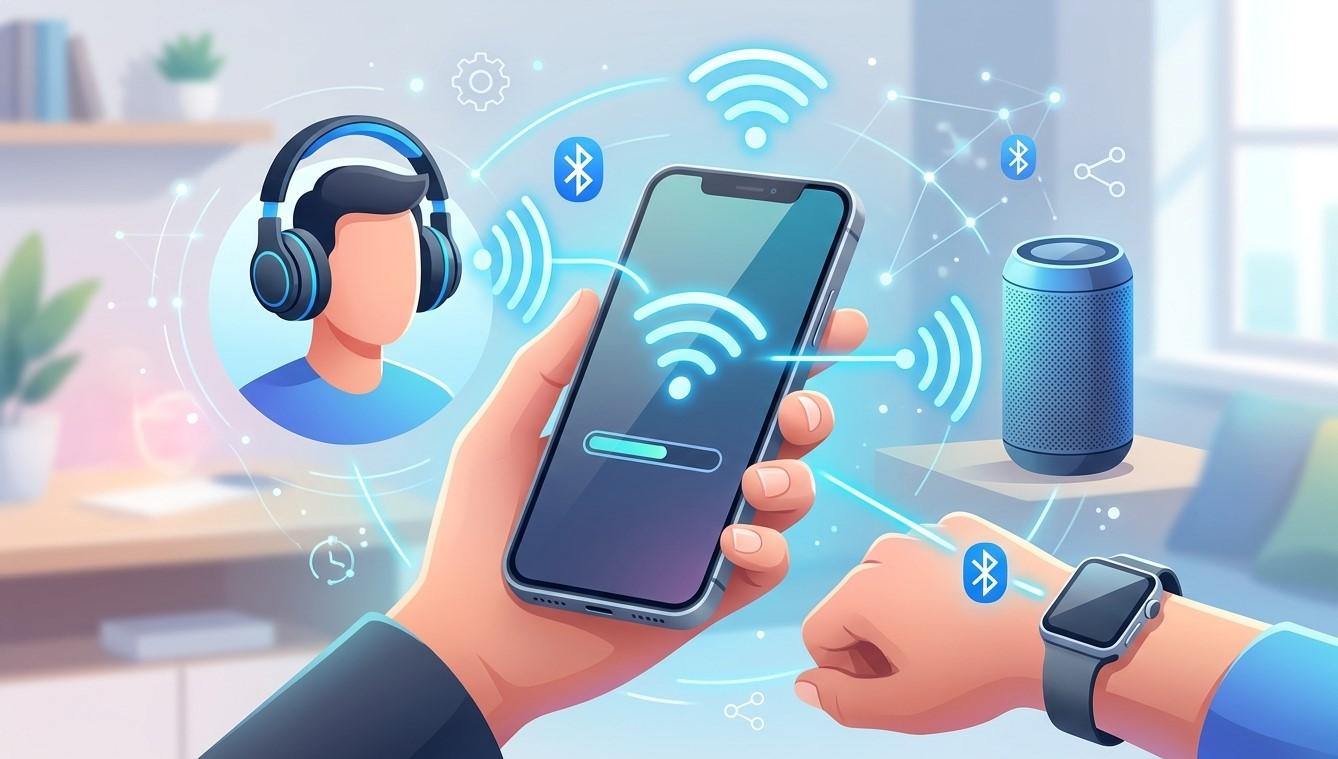

Bluetooth technology allows you to connect your smartphone wirelessly to headphones, speakers, smartwatches, car audio systems, and other accessories. However, connection failures, unexpected disconnections, and pairing errors can make these features frustrating to use. Fortunately, many Bluetooth issues can be resolved with a few simple troubleshooting steps. MyRepairStore helps customers find dependable smartphone repair solutions, including the best cell phone repair in Indian Trail and professional cell phone repair Indian Trail services.
Table of Contents
-
Why Does Bluetooth Stop Working on Smartphones?
-
How to Fix Bluetooth Connection Problems
-
When Do You Need Professional Repair?
-
How to Prevent Future Bluetooth Issues
-
Frequently Asked Questions
1. Why Does Bluetooth Stop Working on Smartphones?
Several factors can affect Bluetooth connectivity. Common causes include:
-
Temporary software glitches: System errors may interrupt wireless connections.
-
Pairing conflicts: Previously connected devices may have outdated or corrupted pairing information.
-
Low battery: Some wireless accessories automatically disconnect when their battery is running low.
-
Wireless interference: Other electronic devices and physical obstacles may weaken Bluetooth signals.
-
Compatibility problems: Certain accessories may not support every smartphone feature.
-
Hardware damage: Physical damage or internal component problems can affect wireless connectivity.
2. How to Fix Bluetooth Connection Problems
Try the following solutions to identify and resolve common Bluetooth issues.
Toggle Bluetooth Settings
Open your phone's settings and turn Bluetooth off. Wait approximately 10 seconds before switching it back on. This simple step can refresh the wireless connection.
Restart Your Smartphone
Temporary system problems can interfere with Bluetooth functionality. Restart your smartphone and try connecting your accessory again.
Remove Old Paired Devices
Open your Bluetooth settings and locate the accessory causing problems. Select the option to forget or unpair it, then put the accessory into pairing mode and connect it again.
Keep Devices Close Together
Bluetooth connections work best when devices are within a suitable range. Move your smartphone closer to the accessory and remove unnecessary obstacles between them.
Charge Your Wireless Accessories
Check the battery level of your headphones, speakers, or smartwatch. Charge the accessory fully before attempting another connection.
Update Your Phone's Software
Outdated software may contain bugs that affect Bluetooth performance. Check for available system updates and install a compatible version.
Reset Network Settings
If Bluetooth still does not work, resetting network settings may help. Remember that this can remove saved Wi-Fi networks, passwords, and Bluetooth pairings. Back up any necessary connection information first.
3. When Do You Need Professional Repair?
If your smartphone cannot detect any Bluetooth accessories even after troubleshooting, the issue may involve an internal hardware component or a more complicated software problem.
A professional technician can inspect the device, identify the cause, and recommend an appropriate solution. Customers looking for cell phone repair Indian Trail can contact MyRepairStore for information about smartphone repair services.
4. How to Prevent Future Bluetooth Issues
Use these simple habits to maintain stable wireless connectivity:
-
Keep your smartphone software updated.
-
Charge wireless accessories regularly.
-
Remove unnecessary saved Bluetooth connections.
-
Avoid connecting too many accessories simultaneously.
-
Keep devices within a suitable connection range.
-
Protect your smartphone from physical damage and moisture.
-
Purchase compatible accessories from reliable sources.
5. Frequently Asked Questions
Why does my smartphone Bluetooth keep disconnecting?
Low accessory battery, wireless interference, excessive distance, and software glitches can cause repeated disconnections.
Why can't my phone find nearby Bluetooth devices?
The accessory may not be in pairing mode, Bluetooth may be disabled, or the devices may be incompatible.
Can a software update fix Bluetooth problems?
Yes. Updates can resolve software bugs and improve wireless connectivity.
Does resetting network settings delete personal photos?
No. A network settings reset generally removes saved network configurations and pairings, not personal photos or documents.
What if Bluetooth still does not work after troubleshooting?
If the problem continues, professional inspection can help determine whether your smartphone has an internal hardware issue.
Conclusion
Bluetooth problems can interrupt everyday smartphone use, but simple solutions such as restarting your phone, refreshing Bluetooth settings, removing old pairings, and updating software may restore connectivity. If the issue continues, professional inspection may be necessary. MyRepairStore offers dependable repair guidance for customers searching for the best cell phone repair in Indian Trail and trusted cell phone repair Indian Trail services.
Call to Action
Is your smartphone struggling to connect to Bluetooth headphones, speakers, or other accessories? Contact MyRepairStore to learn more about professional smartphone repair services in Indian Trail. Get your device inspected and explore the right solution for reliable connectivity.


